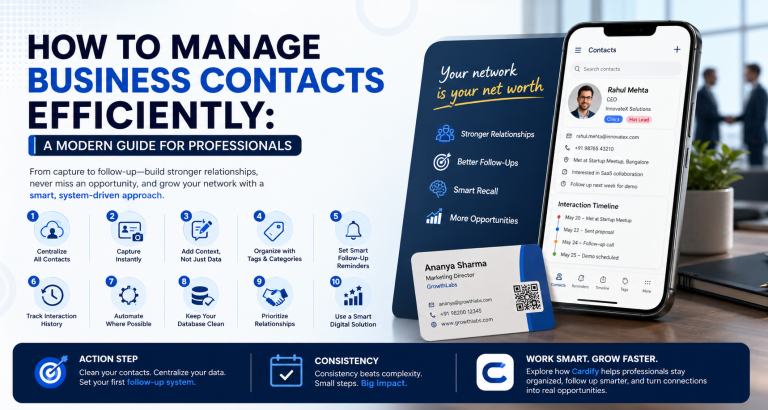
Business Card Scanner vs Manual Contact Saving

An honest comparison of scanning tools versus manual data entry — and why the math overwhelmingly favors automation for serious sales professionals.
The Time Cost of Manual Entry
Manually entering a single business card takes approximately 3–5 minutes when done carefully (name, title, company, phone, email, LinkedIn, notes). If you collect 30 cards at an event, that’s 90–150 minutes of admin work.
At an average professional hourly rate, that’s $75–$150 worth of time spent on data entry — per event.
Scanning: The Numbers
A good card scanner processes a contact in under 30 seconds. The same 30 cards take 15 minutes total — a 6–10x time saving. Accuracy rates on modern OCR scanners exceed 95% for standard printed cards.
Error Rate Comparison
Manual entry has a human error rate of 3–8% (transposed digits, misspelled names, wrong email domains). These errors cause bounced emails and missed calls — direct revenue loss. Scanners produce cleaner data with less effort.
When Manual Entry Still Makes Sense
Handwritten cards, non-Latin scripts, or cards with unconventional designs may still require manual review. The best workflow combines automated scanning with a quick human review step for edge cases.
Verdict
For any professional collecting more than 5 cards per month, a scanning solution pays for itself in saved time within the first use. The question is not whether to use a scanner — it’s which one fits your workflow.